TOKEN PRICES
DEEZ---
CHOC---
MDRNDME---
PCC---
GHST---

That Specific Prompting for Building UI with Terminator Genius Level AI

The Paradox

Claude Sonnet crushes complex algorithms. Refactors thousand-line codebases. Writes flawless TypeScript with edge cases you didn't consider.

Then you ask it to "make this button look better."

Twelve iterations later, it's still off-center with Comic Sans vibes.

Technical Coding: Jahmazing

Backend/Logic AI:

You: "Refactor this auth flow with edge case handling"
Claude: *produces perfect implementation in 10 seconds*
You: "Holy shit."

Terminator genius level. Sees patterns instantly. Handles complexity humans miss.

Why it works:

  • Logic is exact
  • Right or wrong is provable
  • Tests pass or fail
  • No aesthetic judgment needed

AI crushes technical precision.

UI: Specific Prompting Required

Visual AI:

You: "Make this look better"
Claude: *moves padding 2px, changes color to #F5F5F5*
You: "No, like... good"
Claude: *adds drop shadow, border radius 4px*
You: "..."

Not the AI's fault. Your prompt is shit.

Why UI is hard:

  • "Better" is meaningless
  • "Good" is subjective
  • "Modern" could mean anything
  • "Clean" describes nothing

Vague prompts = vague results.

The Difference

Technical prompting (works):

"Implement JWT refresh token flow with Redis caching, handle token expiration, add rate limiting per IP"

Exact. Testable. AI crushes it.

UI prompting (fails):

"Make this modern and clean"

Meaningless. Untestable. AI guesses.

UI prompting (works):

"Mobile-first flexbox, 16px base padding, typography scale 1.25, monospace headers, brutalist spacing, high contrast blacks/whites, no gradients, sharp corners"

Exact. AI crushes it.

Specific Prompting Techniques

Vague (AI struggles)

"Make the header look professional"

Exact (AI crushes)

"Header: 100vh height, centered flex column, H1 72px bold, monospace font, 24px margin-bottom, black text on white, no decoration"


Aesthetic judgment

"This feels off, fix it"

Technical specification

"Increase line-height to 1.6, reduce letter-spacing to -0.02em, align-items center not flex-start"


Reference without details

"Make it look like Stripe's site"

Extracted specifics

"Stripe style: san-serif 16px base, 1.5 line-height, 48px vertical rhythm, subtle gray borders #E6E6E6, 8px border-radius, ample white space"

Mobile-First Prompting

Don't:

"Make it responsive"

Do:

"Mobile first: 100% width, stack vertical, 16px padding, 1 column. Tablet: 2 column grid at 768px. Desktop: max-width 1200px, 3 columns at 1024px"

Exact breakpoints. Exact behavior. AI executes perfectly.

The Typography Problem

Vague:

"Better fonts"

Specific:

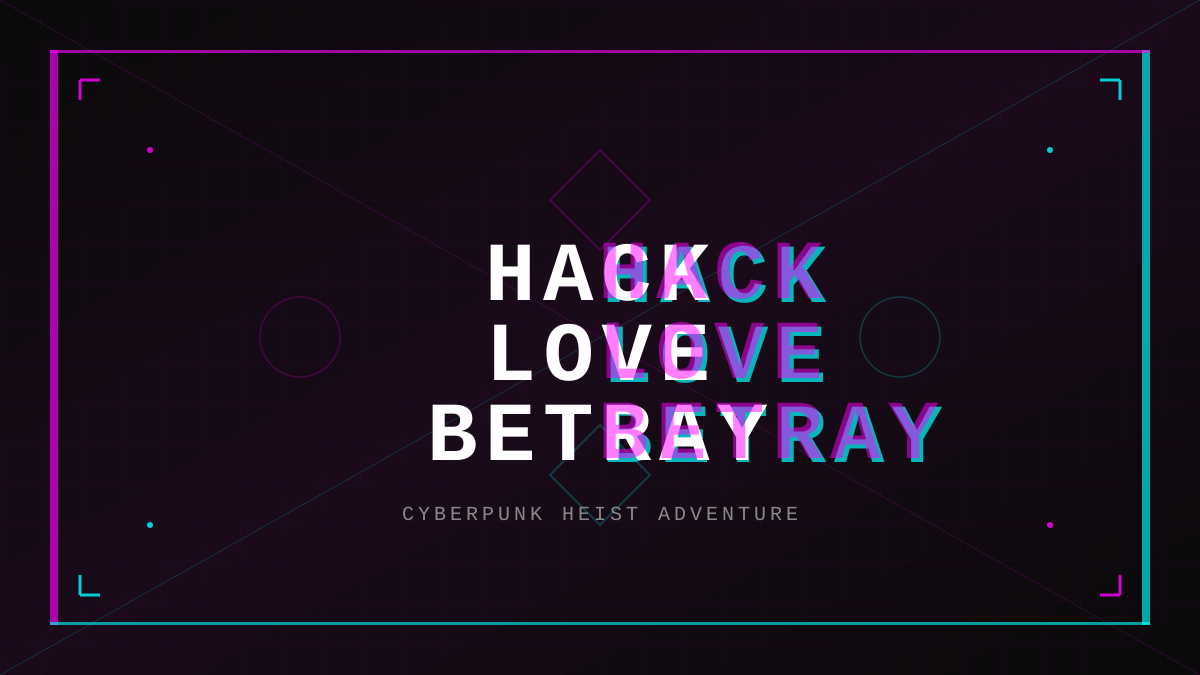
HACK LOVE BETRAY
OUT NOW

HACK LOVE BETRAY

The ultimate cyberpunk heist adventure. Build your crew, plan the impossible, and survive in a world where trust is the rarest currency.

PLAY NOW

"System font stack: -apple-system, BlinkMacSystemFont, Segoe UI. Headers: 700 weight, 1.2 line-height, -0.02em tracking. Body: 400 weight, 1.6 line-height, 16px base"

Claude knows fonts. You need to know what you want.

Color Hell

Doesn't work:

"Use nicer colors"

Works:

"Brutalist palette: Pure black #000000 text, pure white #FFFFFF background, accent red #FF0000 for CTAs, gray #808080 for disabled states. No gradients. No opacity. Hard edges."

Exact hex codes. Exact usage. No aesthetic interpretation needed.

Spacing Precision

AI guesses:

"Add some space"

AI executes:

"Vertical rhythm 8px base: headings 32px margin-bottom, paragraphs 16px, sections 64px. Horizontal padding 16px mobile, 24px tablet, 32px desktop"

Mathematical spacing system. AI follows perfectly.

Real Workflow

You: "Build landing page, mobile-first"
Claude: *creates something*
You: "Specific prompting time..."

You: "Mobile: 100% width, 16px padding, stack vertical
Typography: System fonts, 48px H1, 24px H2, 16px body, 1.6 line-height
Colors: Black text, white bg, red CTAs (#FF0000)
Spacing: 8px base rhythm, 64px section gaps
Layout: Centered flex column, max-width 1200px desktop
Components: Sharp corners, no shadows, 2px borders"

Claude: *executes flawlessly*

Real Example: Neon Leviathan (Actual Game UI Fix)

Game was brilliant. Mechanics perfect. Story engaging.

UI looked like shit. Buttons hard to see.

What Probably Got Prompted (Vague):

"Make it cyberpunk with neon effects"
"Give it a futuristic gaming aesthetic"

What AI Built:

/* "NEON BRUTALISM - Arcade Game Aesthetic" */
--gold-sun: #d4a917;              /* Primary neon - WRONG COLOR */
--ocean-black: #0a1628;           /* Blue-tinted - WRONG */

.choice-button {
  min-height: 120px;              /* TOO TALL */
  padding: 28px 32px;             /* WASTEFUL */
  border: 6px solid var(--gold-sun);  /* GARISH GOLD */
  box-shadow: 8px 8px 0;          /* BRUTAL */
  color: var(--gold-bright);      /* HARD TO READ */
}

.narrative-line {
  font-size: clamp(1.5rem, 3vw, 2rem);  /* 24-32px TOO BIG */
  font-weight: 700;
  text-shadow: 2px 2px 0;
}

.narrative-line:first-of-type::first-letter {
  font-size: 5em;                 /* DECORATIVE WASTE */
  color: var(--gold-bright);
}

Problems:

  • Arcade game aesthetic (AI guessed wrong reference)
  • Gold everywhere (game is called "Neon Leviathan" - should be CYAN)
  • Only 6-9 lines of story visible
  • Garish, unreadable, wrong mood

What Should Have Been Prompted (Specific):

"Foundation: MDRN.app clean brutalist
- True black #000000 background (not blue-tinted)
- Clean Inter typography for body text
- Minimal 1-2px borders (not thick brutal borders)
- White #FFFEF0 text for maximum readability

Identity: Neon Leviathan = bioluminescent creature in deep ocean
- Strategic cyan #00ffff accent on interactive elements ONLY
- Deep abyss darkness, not arcade brightness
- Subtle glow like deep sea creature, not everywhere neon
- Professional serious tone, NOT arcade game energy

Priorities:
- Narrative text is hero - need 10+ lines visible on iPhone
- Font size 18px for mobile reading (not 24-32px)
- Reduce padding to 20px (not 32px)
- Remove decoration (no drop caps, no stripes, no effects)
- Efficient UI chrome, maximum content space"

What Got Built With Specific Prompting:

/* Clean MDRN + Bioluminescent Identity */
--abyss-black: #000000;           /* TRUE BLACK */
--cyan-glow: #00ffff;             /* CORRECT neon color */
--ocean-panel: #1a1a1a;           /* Minimal depth */
--ivory: #FFFEF0;                 /* Readable text */

.choice-button {
  min-height: 80px;               /* COMPACT */
  padding: 20px 24px;             /* EFFICIENT */
  border: 2px solid var(--cyan-glow);  /* CLEAN, VISIBLE */
  background: var(--ocean-panel);
  color: var(--ivory);            /* READABLE */
  transition: all 200ms ease-out;
}

.choice-button:hover {
  border-color: var(--cyan-bright);
  box-shadow: 0 0 20px rgba(0, 255, 255, 0.3);  /* SUBTLE GLOW */
  transform: translateY(-2px);
}

.narrative-line {
  font-family: 'Inter', sans-serif;  /* CLEAN */
  font-size: 18px;                /* READABLE */
  font-weight: 400;               /* NORMAL */
  line-height: 1.6;
  color: var(--ivory);
}

/* NO drop cap - content is hero */

Results:

  • 10-12 lines of story visible (~150px more space)
  • Cyan on black = 8.9:1 contrast ratio (AAA)
  • Professional, matches "Neon Leviathan" title
  • Readable, efficient, correct mood

The Lesson:

"Make it cyberpunk" → AI chose garish arcade aesthetic (wrong)

"MDRN foundation + Neon Leviathan identity (bioluminescent cyan #00ffff on true black #000000)" → AI built exactly what was needed

Title literally told you the visual style: Neon (cyan glow) Leviathan (deep ocean darkness).

Vague prompting missed it. Specific prompting nailed it.

Why Nerds Read on Laptops

Mobile-first is correct. But complex UI work needs desktop screen space.

Mobile: Touch targets, scroll behavior, thumb zones Desktop: Grid systems, multi-column, hover states, complex layouts

Prompt for mobile. Build on laptop. Test on device.

AI needs both contexts specified:

"Mobile: single column, large touch targets 48px minimum Desktop: 3 column grid, hover states on links, sticky nav"

The Brutal Truth

Claude is terminator genius at logic. UI requires human aesthetic translated to exact specifications.

Your job: Know what "good" means in exact terms. Translate aesthetic to technical specs. Prompt with precision.

Not your job: Ask AI to "make it look good" and iterate 47 times.

Replace vague with exact:

  • "Modern" → Exact font stack, spacing system, color palette
  • "Better" → Exact CSS properties to change
  • "Responsive" → Breakpoints with exact pixel values

Think in systems:

  • Typography scale (not random sizes)
  • Spacing rhythm (not arbitrary padding)
  • Color palette (not aesthetic vibes)

Backend AI: Terminator genius crushing complexity

UI AI: Terminator genius waiting for specific prompting

Master the specificity. UI becomes as easy as backend.

Or keep saying "make it look better" and iterate forever.